Although I had been working with Substance Designer for some time, I needed a little more convincing to buy Substance Painter. I already had 3DCoat. In addition to the fantastic sculpting, retopo and UV options, I already had a fully-fledged toolset for PBR texturing. Or so I thought. Of course, that changed abruptly after I tried Substance Painter for the first time and got to know the great procedural workflow. But one wish remained unfulfilled for many years. In 3DCoat I was always able to use textures along a path and work very precisely. I always missed that in Substance Painter. Well, that has changed. New updates to the Substance3D products have been released, bringing with them long-awaited features. In addition to a complete Path Tool Set, some very helpful presets have been added to Substance Painter. 3DCoat still remains one of my favourite tools for all the other possibilities. Here I will go through various application examples. Let's start with Substance Painter.
The dif...
Hello Stranger!
This article is exclusively for Digital Production Subscribers.
If you are already subscribed, please log in below,
if you aren't subscribed, What are you waiting for?
Subscribers get
exclusive access to many articles like the one you just wanted to read,
can directly contact the authors or the newsroom,
can download many cool things from the archives,
support one of the last independent platforms weithout an "Algorithm"
and are granted exclusive bragging rights for being a better person!
Get an overview on what's available here, and access everything on the site!
If you need another reason,
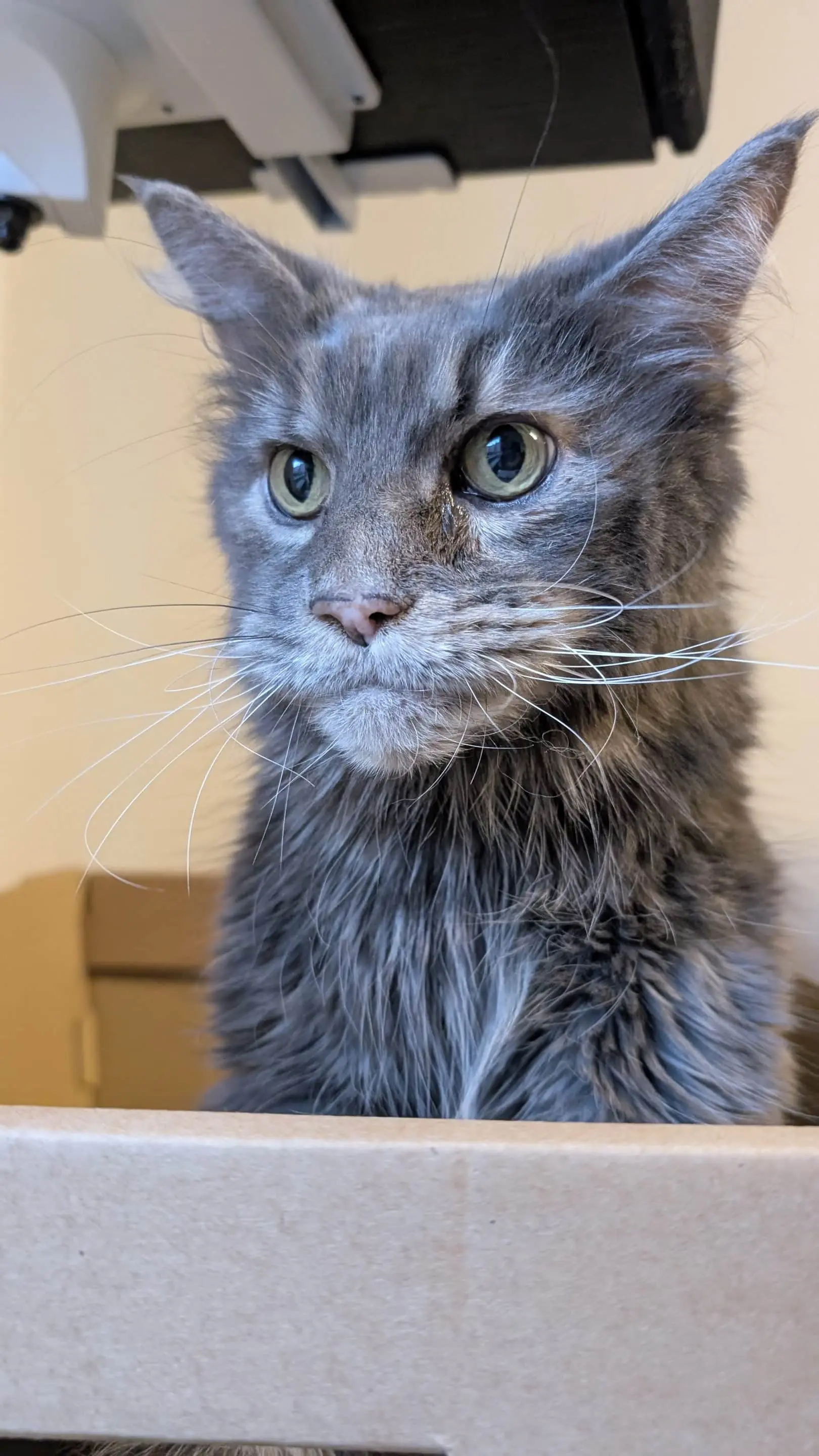
here is a picture of the editorial cat,
which you'll be supporting as well!