For many artists, the layer-based system of "After Effects" is the ideal solution for working with moving images Moving images. It is easy to understand and learn to use, and its proximity to Photoshop allows many graphic artists to quickly enter the world of motion graphics. The integration with Photoshop is an additional advantage when it comes to transferring designs for subsequent animation. However, in the field of compositing, node-based software shows its advantages through greater flexibility. With "Magic Nodes", there is a plug-in that extends the Adobe solution with this option. The ambitious "Hollywood Illusion" project works with After Effects from version 2017 for Windows and Apple. Version 2 of Magic Nodes allows the use of multiple graph networks that can be nested within one another. Installation and licensing work without any problems with version 2. A licence can also be used in a beta version of After Effects installed in parallel. The main new features in Magic Node...
Hello Stranger!
This article is exclusively for Digital Production Subscribers.
If you are already subscribed, please log in below,
if you aren't subscribed, What are you waiting for?
Subscribers get
exclusive access to many articles like the one you just wanted to read,
can directly contact the authors or the newsroom,
can download many cool things from the archives,
support one of the last independent platforms weithout an "Algorithm"
and are granted exclusive bragging rights for being a better person!
Get an overview on what's available here, and access everything on the site!
If you need another reason,
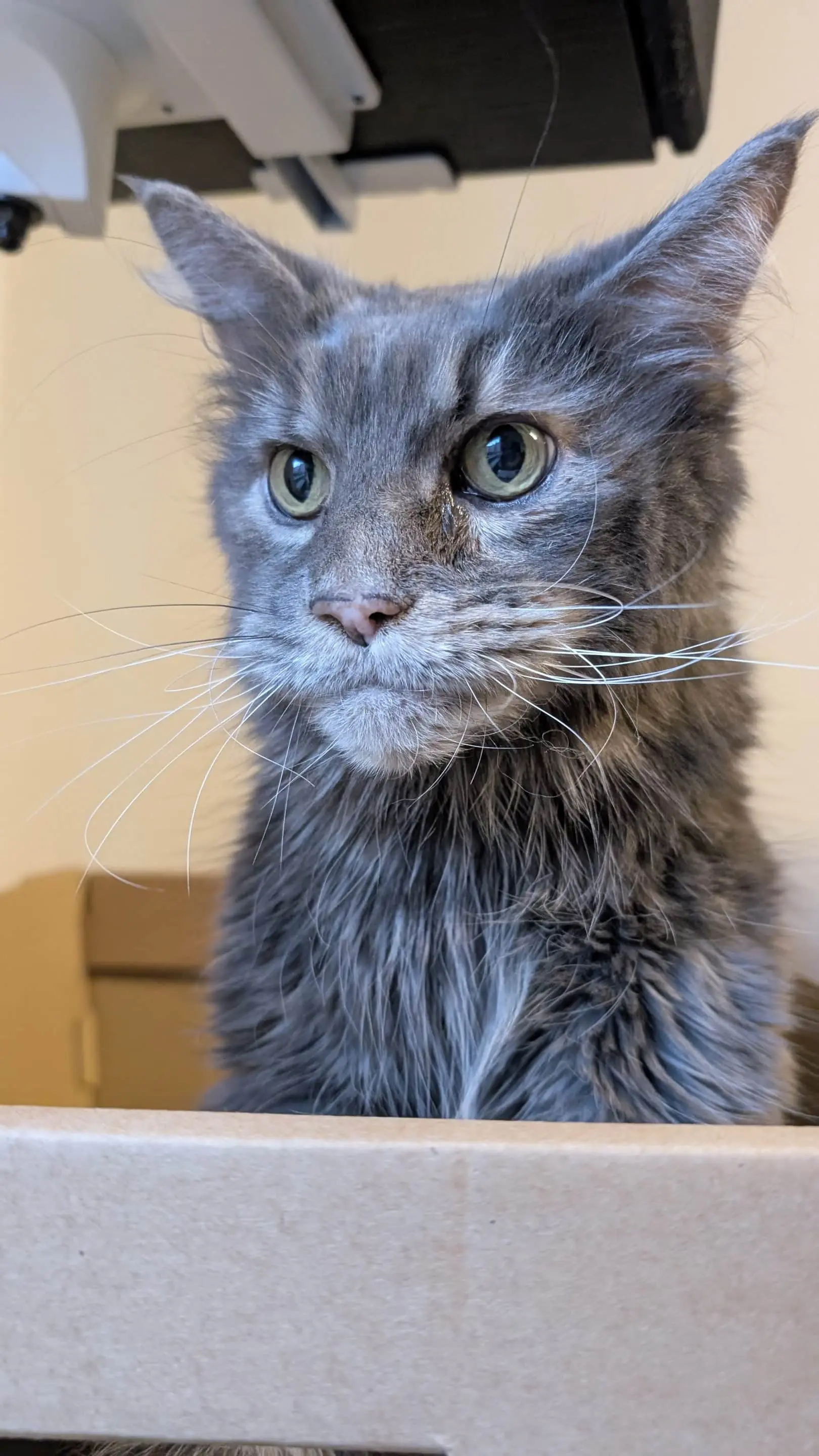
here is a picture of the editorial cat,
which you'll be supporting as well!