



Autodesk has released 3ds Max 2026.2 as a rental-only update. The release focuses on technical and usability improvements for animators, rendering specialists, and anyone working in asset-heavy scenes.
USD for 3ds Max is now at version 0.12. Users can now send objects from a 3ds Max scene directly into a USD (Universal Scene Description) stage using the new “Duplicate as USD data” feature. This complements the previous “Promote to 3ds Max Object” function, making round-tripping between Max and USD easier. For full bug fixes and further USD updates, Autodesk refers users to their GitHub and release notes.
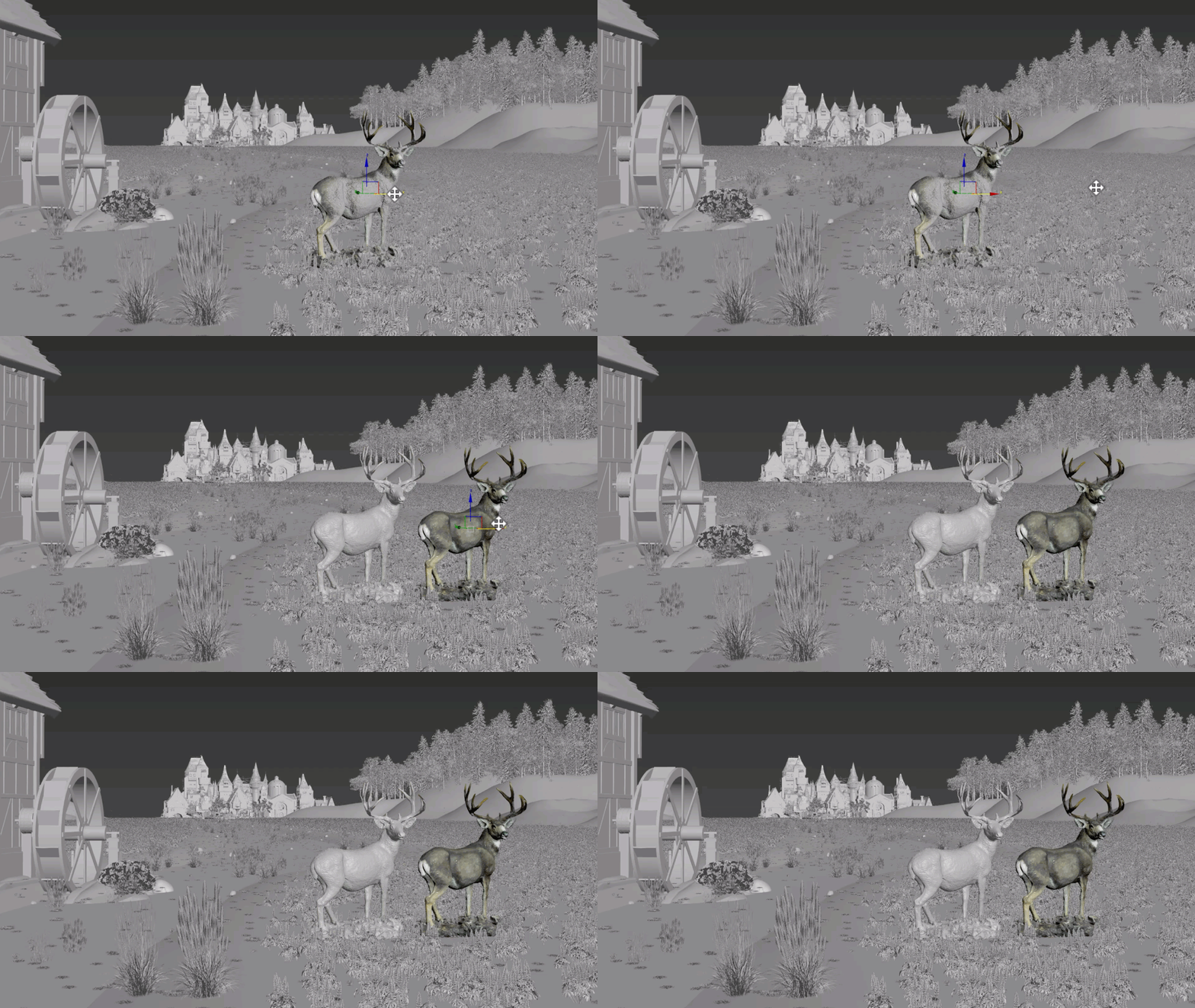
Material Switcher and Multi/Sub-Object Material Previews can now have their swatch rendering turned off, improving performance when dealing with scenes using large numbers of materials. Two new options—Show MultiMaterial Previews and Show MaterialSwitcher Previews—are now present in the 3dsmax.ini configuration file. Both default to 1 (enabled); set to 0 to skip swatch generation. Autodesk notes this change is especially relevant for users managing “large numbers of materials.”
Skin Modifier receives performance improvements for artists working with dense meshes or complex modifier stacks. The modifier now responds faster to changes made to underlying geometry. Scene load times involving Skin may also benefit from these optimisations. Additionally, the default “Bones Affect Limit” for the Skin modifier is reduced from 20 to 5, reflecting common user preference and, Autodesk claims, reducing memory usage.
Arnold for 3ds Max (MAXtoA) 5.8.2.2 brings a long list of technical improvements. New features since 3ds Max 2026 include initial GPU support for Toon shading and a new HTML-based interactive Render Stats Report. Performance improvements target procedural instancing, scene updates, and overall interactive feedback, particularly in large, complex scenes. Notable additions and fixes include:
- GPU Toon shader and contour filter (direct lighting only)
- HTML statistics report for visualising rendering performance data
- Default lights now optional via checkbox
- Arnold session now persists throughout a Max session, reducing time-to-first-pixel
- Faster procedural instancing and polymesh node init, especially on many-core CPUs
- Improved global light sampling for photometric and mesh lights
- Multiple USD enhancements, including lower memory usage and Hydra-based translation for more consistent renders
- Several dozen bug fixes across Arnold, MaterialX, USD, and procedural APIs
For full details on Arnold’s changes, Autodesk points to the Arnold for 3ds Max release notes.
System requirements remain unchanged. 3ds Max 2026.2 supports Windows 10 and up. Licensing continues to be subscription-only; Indie pricing and standard pricing models are not addressed in the documentation provided, but are available on Autodesk’s product page.
A reminder: All innovations and updates in 3ds Max 2026.2 should be tested in non-production environments before being adopted for critical work.
