



Cinema 4D 2025.2 has arrived like a well-timed coffee break on a hectic shoot day—a swift update that packs a surprising number of new features and overhauls, plus a marathon list of bug fixes aimed at streamlining every stage of production. Today’s release not only reinforces Maxon’s commitment to usability, simplicity, and stability, but also speaks directly to our digital production professionals who demand both performance and precision. For pricing details, note that Cinema 4D 2025.2 is available to subscribers; if you’re looking for the exact numbers, please refer to the Maxon Buy page of your country 🙂
TL;DR: Key Enhancements at a Glance
After the rapid 2025.1 rollout, Maxon has come back swinging with 2025.2. The update includes improvements that touch nearly every aspect of the toolset our industry relies on—from rendering to animation, and from modeling to particle effects. Notable enhancements include support for enhanced Redshift integration (with object- and camera-specific tags), revamped animation workflows featuring refined Animation Layers, and performance improvements in the viewport and scene management. Early adopters will notice more reliable rigging workflows, improved snapping tools in modeling (thanks to the new Preserve Curvature function in the Edge Slide tool), and a smoother experience with the USD exporter. And while these changes might appear subtle at first glance, they’re designed to save precious time on set and in the studio.
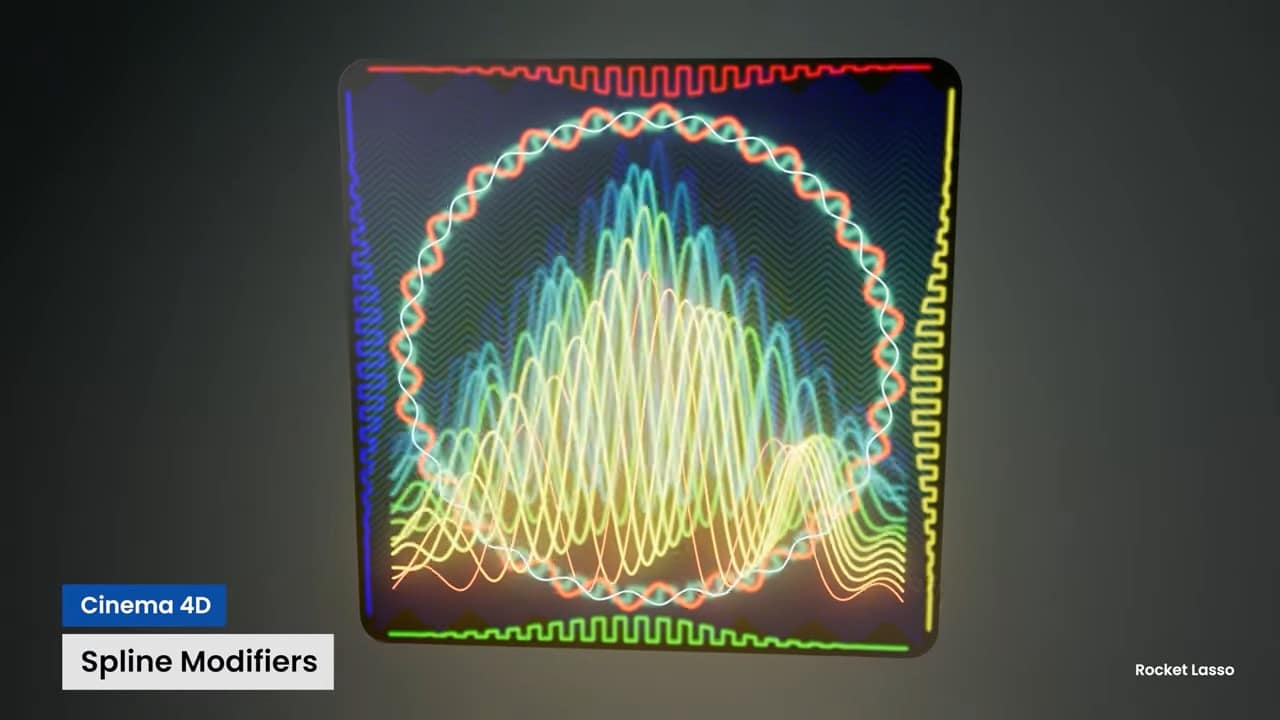
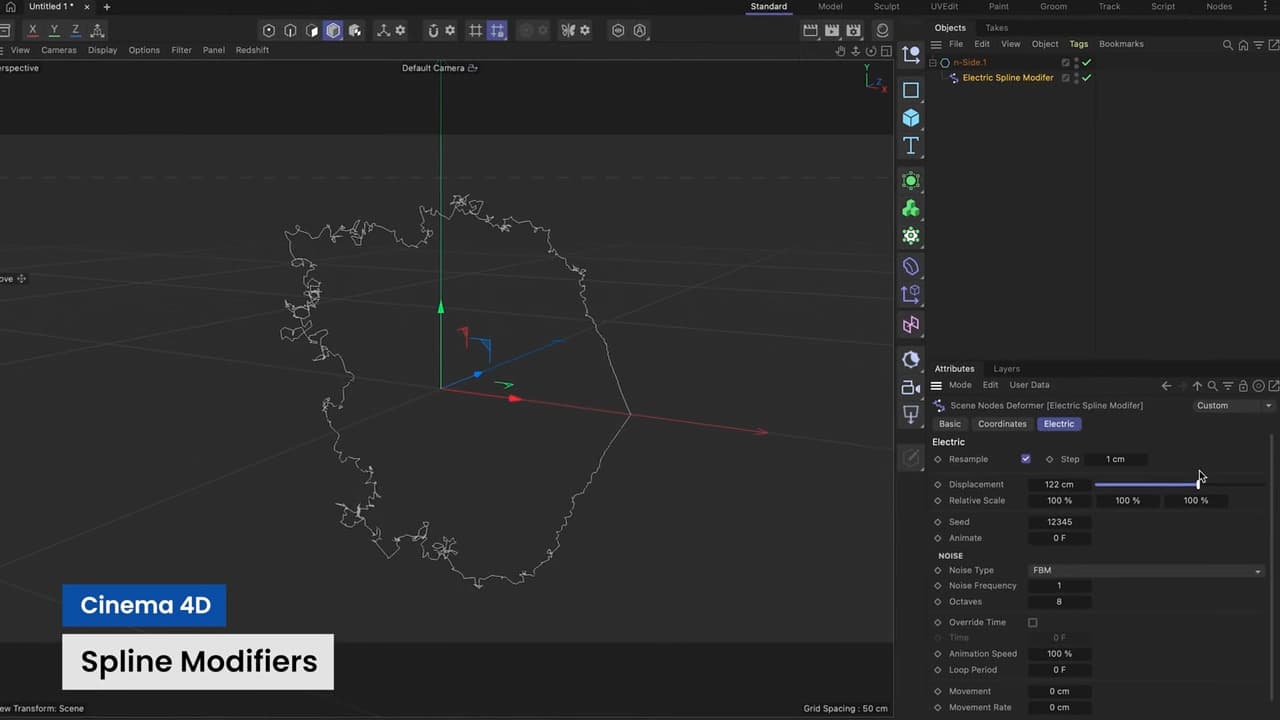
General Updates and Camera Enhancements
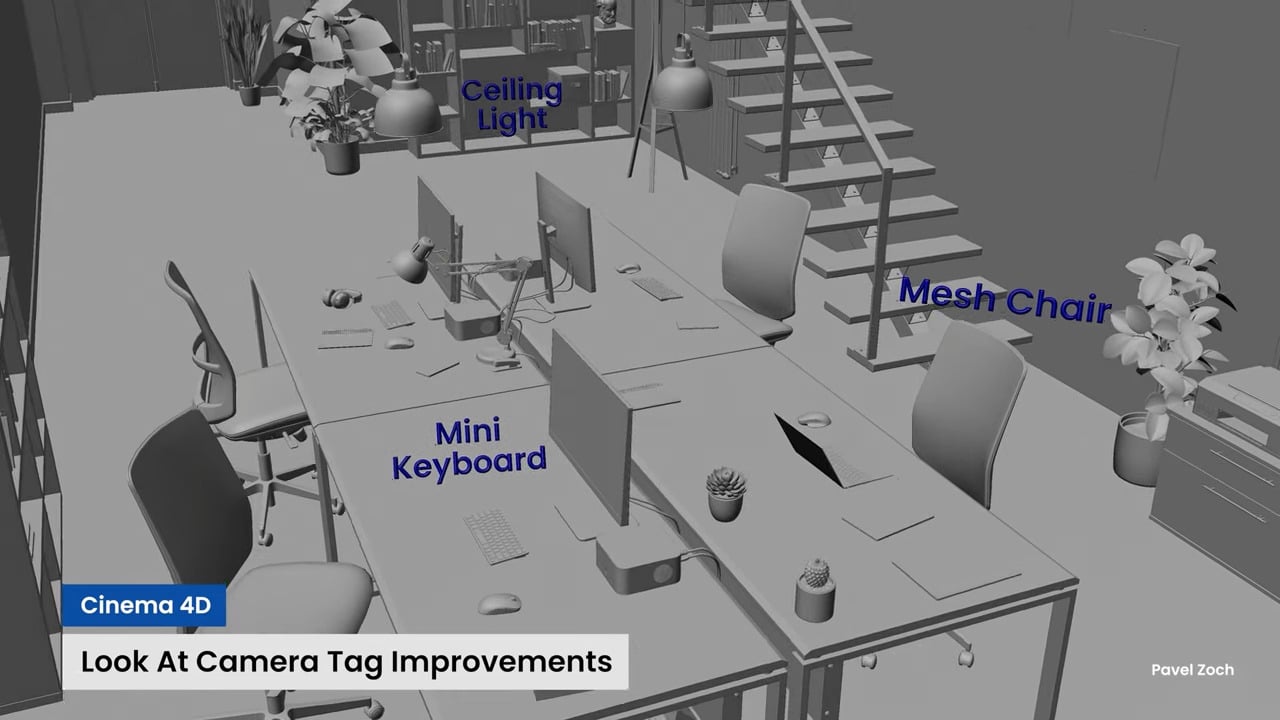
The update kicks off with a set of general improvements under the “Look at Camera” banner. Users will now enjoy an Invert function that reverses the facing direction, as well as support for driving Bank Rotation in addition to Pitch. An entirely new mode—Align to Camera Plane—has been introduced, allowing objects to behave like 2D elements within the camera view. Complementing these are Tag UI enhancements, where tags that support Property Transfer and Fields now feature a simplified one-click mode switch, streamlining workflow for those who live by efficiency.

Rocket Lasso Capsule Integration
In a move that might delight deformer enthusiasts, the deformer style Rocket Lasso Capsules have been integrated directly into the Cinema 4D UI. Now available to all users, these capsules provide quick access and enhanced control—ideal for rapid adjustments during complex rig setups.

Particle System Overhaul
Particles, that ever-elusive ingredient in realistic effects, have received a significant boost. Interactive Emitter Handles now allow for direct manipulation of emitter scale, speed, and direction directly within the viewport. Emission Density Control has been expanded so that varying densities can be influenced by Maxon Noises, Fields, and Vertex Maps, giving artists unprecedented control over particle distribution. The update introduces automatic creation and deletion of Custom Particle Properties based on usage, along with greatly simplified management for quick access to particle system elements. Additional outputs in particle modifiers now let proximity-based modifiers store particle counts, while Predator Prey Modifiers capture the status (chasing or fleeing), distance, and unique index of particles. Flock systems have also been enhanced by storing the unique index of the closest particle. Finally, Cache Playback improvements bring subframe interpolation options—Cubic and Cubic Monotone—to ensure smoother playback of cached simulations.

Extended Bug Fixes Across the Board
No release is complete without a rigorous bug hunt. Cinema 4D 2025.2 comes packed with a sweeping series of bug fixes covering almost every department:
- Animation & Character Animation: Fixes include stabilizing issues with the Jiggle deformer during rendering, resolving conflicts in Collision deformers, and improvements to the Walk Cycle Generator for better foot contact and reduced mesh wobbles.
- Asset Browser and Interface: Enhancements in the Commander now prioritize search strings correctly, and issues with preset displays have been addressed to ensure that only usable options are visible.
- Attribute Manager & BodyPaint 3D: Stability issues in XPresso spline graphs and Texture UV Editor wrapping errors have been squashed, ensuring a more robust painting and texturing experience.
- Color Management: Multiple fixes resolve issues with OCIO configurations, color space conversions, and node-based material conversions, addressing inconsistencies that could affect final output.
- Modeling Tools: A host of fixes—ranging from the Bezier and Loft generators to the Extrude object and Boolean generators—improve both stability and accuracy. Even the Fill Selection command has been refined to properly handle edge selections and hidden polygons.
- MoGraph, Nodes, and Node Editor: Performance issues and refresh problems in node capsules and the field driver tag have been addressed, ensuring that even the most complex scene graphs perform without a hitch.
- Object Manager and General Objects: From axis orientation errors to connection issues in the Connect and Delete command, several fixes ensure that object hierarchies and transform data remain consistent.
- Other System Components: Whether it’s the Timeline, UV Tools, or even the Volumes module, improvements have been made to render previews, scene nodes, and even the intricate behavior of XRefs, which now avoid infinite reference loops and update camera parameters correctly.
This extensive list of bug fixes spans numerous departments—Animation, Asset Browser, Attribute Manager, BodyPaint 3D, Character Animation, Color Chooser, Color Management, Deformer, Dynamics, Exchange, Interface, Material Manager, Modeling, MoGraph, Nodes, Node Editor, Object Manager, Objects, Other, Powerslider, Preferences, Redshift, Render Queue, Renderer, Sculpting, Simulation, Take System, Team Render, Timeline, UV Tools, Viewport, Volumes, and XRefs—ensuring that every aspect of Cinema 4D runs smoother and more reliably than ever before.
Final Thoughts and Cautionary Note
Cinema 4D 2025.2 is clearly a robust update, meticulously engineered to meet the demanding needs of today’s digital production professionals. Whether you’re working on VFX, animation, rigging, modeling, or postproduction, these enhancements and fixes have been designed to shave off those precious seconds while ensuring precision and stability. However, as with any innovation, it’s crucial that production artists conduct thorough tests before integrating the new features into live projects. Not every shiny upgrade is production-ready on day one, so a detailed evaluation is always recommended.
For those eager to dive in, the update installs by default to the “Maxon Cinema 4D 2025” folder—replacing previous installations to minimize disk usage and streamline preferences and plugins migration. System requirements remain consistent with Cinema 4D 2025.0, and Redshift 2025.4.0 is included (though older versions remain compatible but without the new integration enhancements).
Cinema 4D 2025.2 is available now to subscribers. For complete pricing details and subscription information, please visit the Maxon Buy page.
Every enhancement, bug fix, and new tool in this update is designed with one thing in mind: making life easier for the production artist, whether you’re on set, in the studio, or anywhere in between. Just remember to verify these innovations in your current projects before rolling them out to client work—better safe (and on budget) than sorry.
